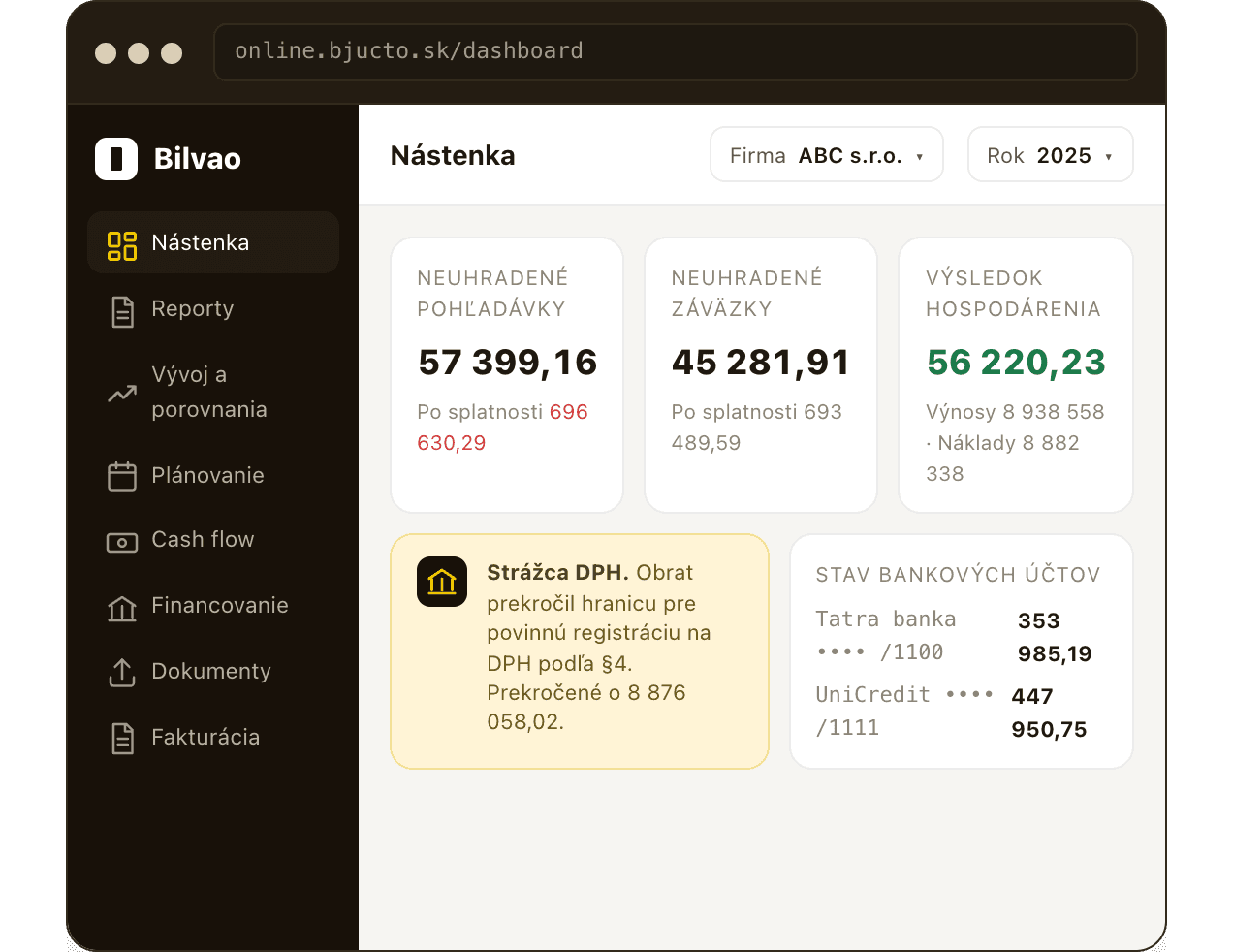
Dashboard
Receivables, payables and the trading result the moment you log in – including the VAT watchdog and the state of your banks and cash registers.
You know who owes you and whom you owe, without waiting for paperwork.
Online accounting · a tour of the app
Invoice, hand over documents and follow the health of your company in one place. Take a look at the whole app, including how a document is uploaded and an invoice issued.
Seven features, one login. Every section works from the same bookkeeping we keep for you.
Receivables, payables and the trading result the moment you log in – including the VAT watchdog and the state of your banks and cash registers.
You know who owes you and whom you owe, without waiting for paperwork.
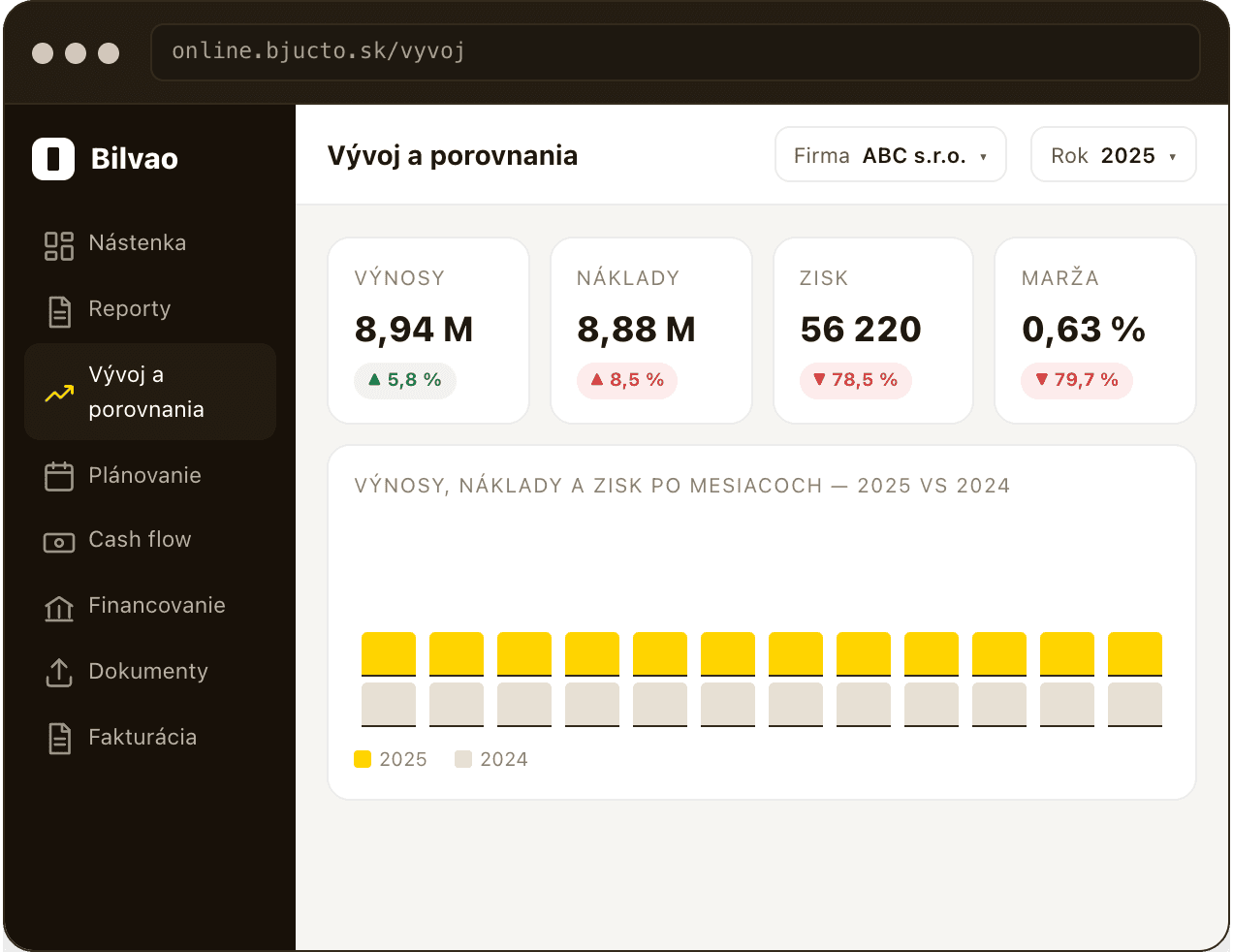
A year-on-year comparison of revenue, costs and profit – with accounts ranked by their effect on profit and results by centre.
Why did profit fall when sales rose? The answer sits in one table.
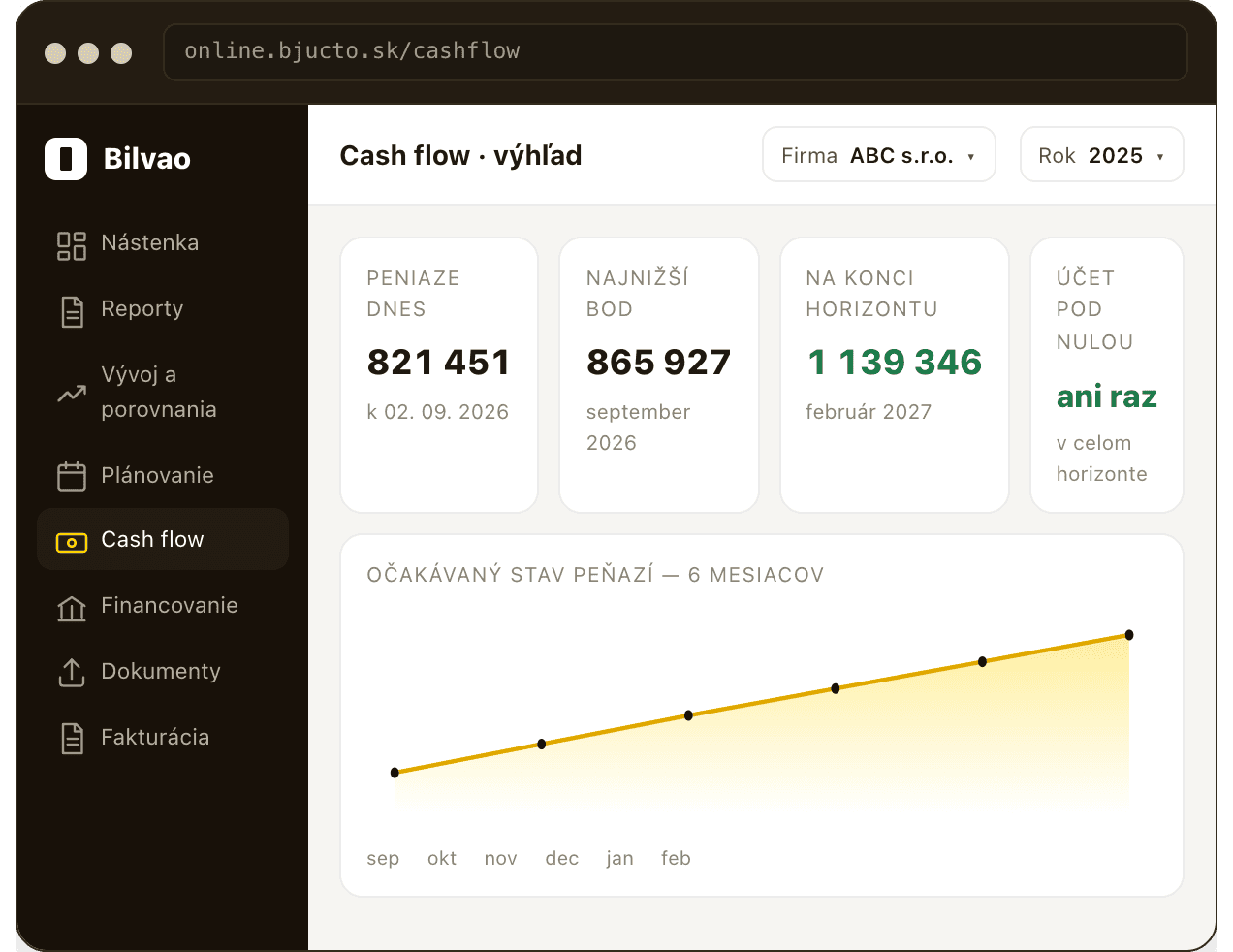
How much money you will have in six months. A forecast from open invoices, wages, instalments and VAT – with the lowest point and the risk of going negative.
Profit is an opinion, cash is a fact – and you see it coming.
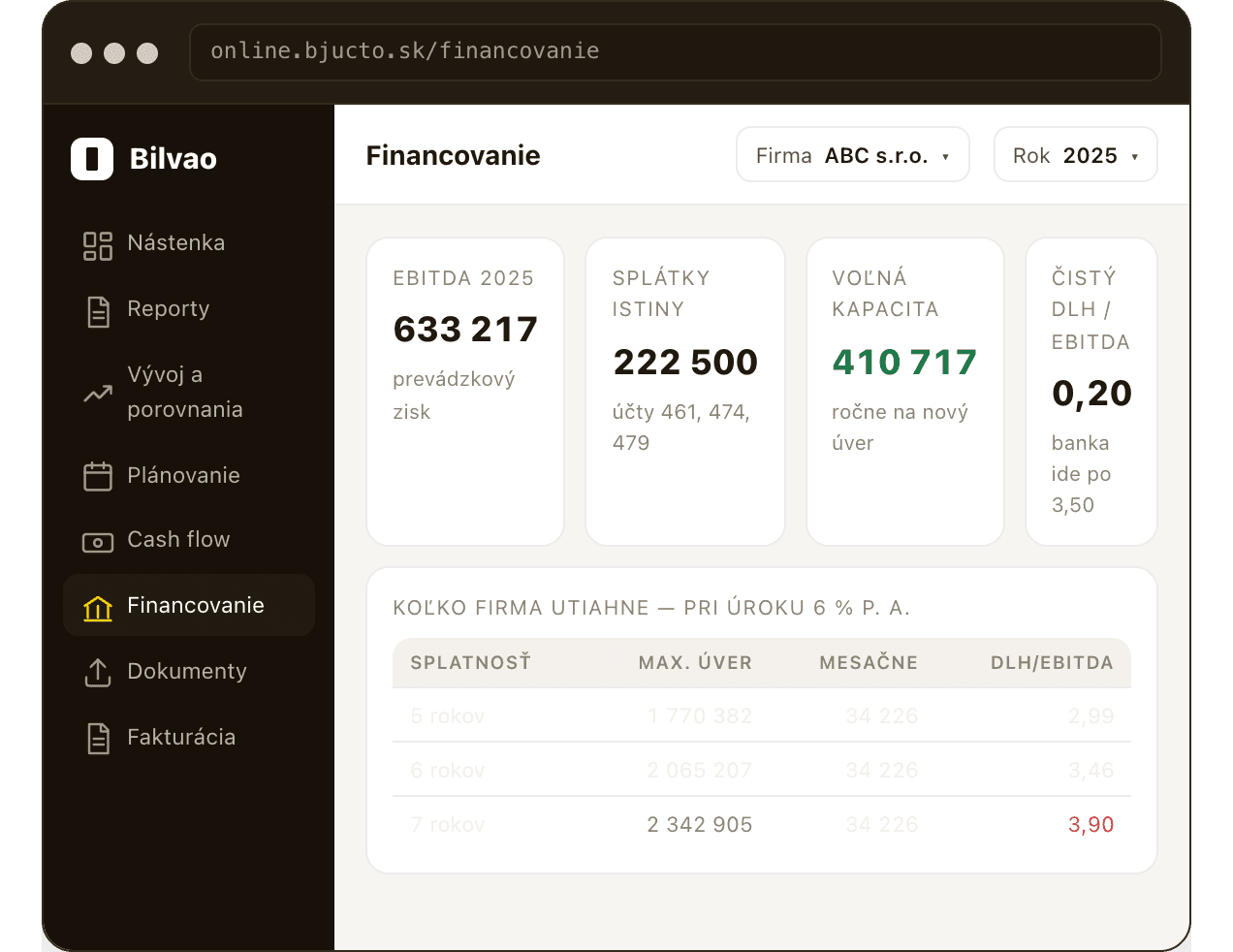
How much credit the company can carry and how much a bank is likely to approve – from EBITDA and existing instalments, before you visit the bank.
You walk into the bank prepared, with the numbers it uses itself.
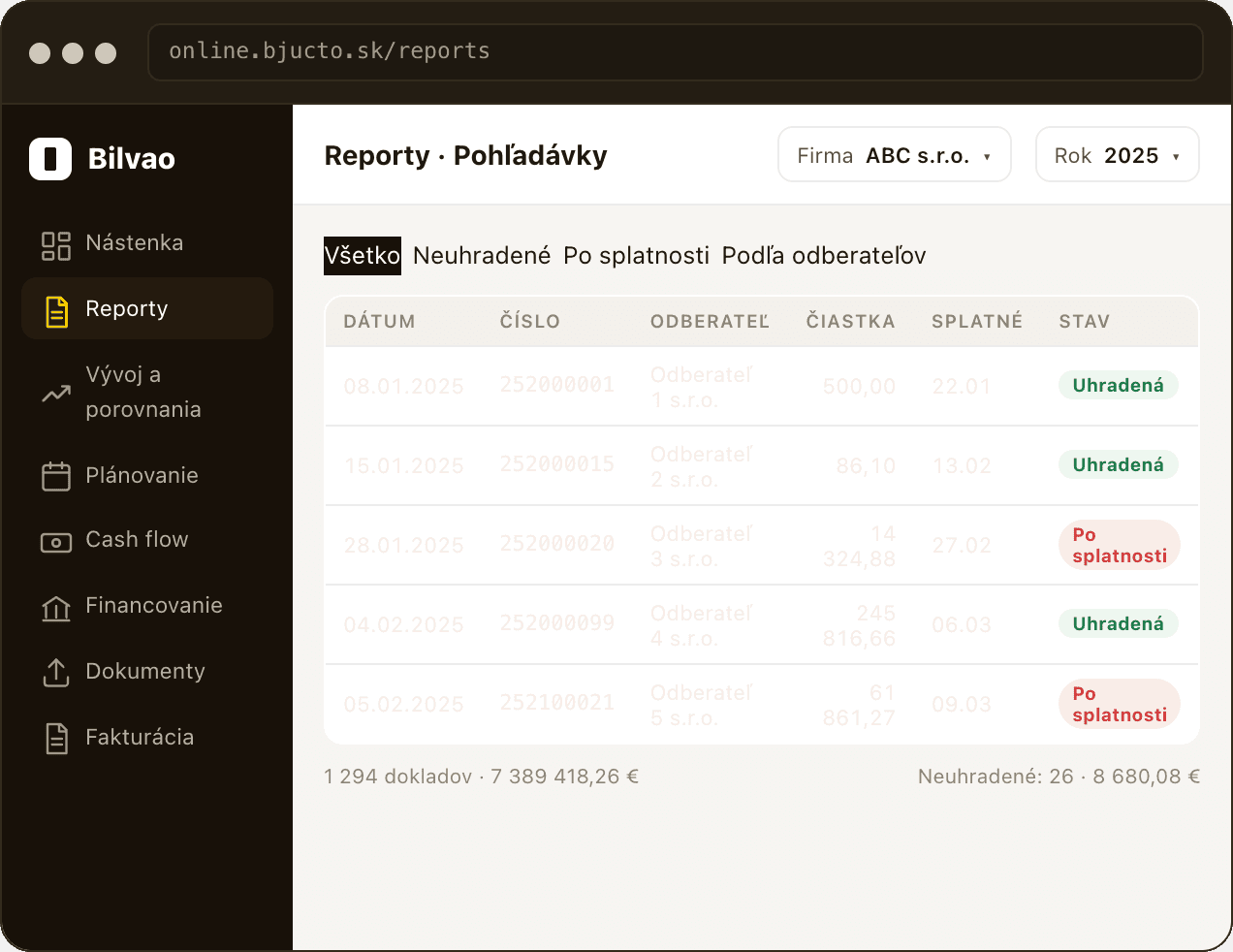
Receivables, payables, the income statement, bank and cash – filtered by period and customer. Payment status on every invoice.
You pull the paperwork yourself, whenever you need it.
Last year's plan and how it is being met.
The company's health in five questions.
Walkthrough 01
Drop the document into the app – or simply forward it by e-mail. It reaches your accountant on its own.
online.bjucto.sk/documents
An invoice, a receipt or a contract – PDF or a photo.
Or forward it by e-mail to your own address.
The app recognises what kind of document it is.
Nothing gets lost or forgotten.
Walkthrough 02
Customer, item, amount – and done. The invoice goes to your accountant automatically.
online.bjucto.sk/fakturacia/nova
From your address book or the company register.
Name, quantity and price – VAT fills itself in.
Including the rate that applies to your company.
The invoice goes to the customer and to your accountant.
Financial indicators and analyses
The financial indicators section shows your customers' payment discipline and other valuable data that helps you decide on dividend payouts and bank financing.
Regular e-mail notifications
Get clear reports on receivables, payables, assets and trading results. Follow account movements and transactions in real time – everything within reach.
Access and security at the highest level
The app lets you manage access by user role, so you stay in full control of who can reach each section. Combined with two-factor authentication and data encryption, it keeps every user's data secure.
Log in with the same details as before and see what the app already does for you.
Log in to the appTransparent outputs. Maximum certainty.